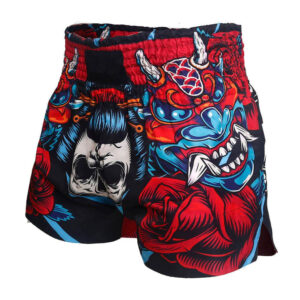
AI image tools are useful for exploring ideas for custom boxing shorts: colour schemes, themes, lettering styles and rough layouts. They do not replace a production designer. An AI image is a mood board, not a print file. The final design still needs clean artwork, a proof that matches the shorts pattern, and a check that you have the right to use every logo and graphic on it.
This guide explains where AI helps when you design fight shorts, where it does not, and how to turn an AI concept into a design a manufacturer can produce.
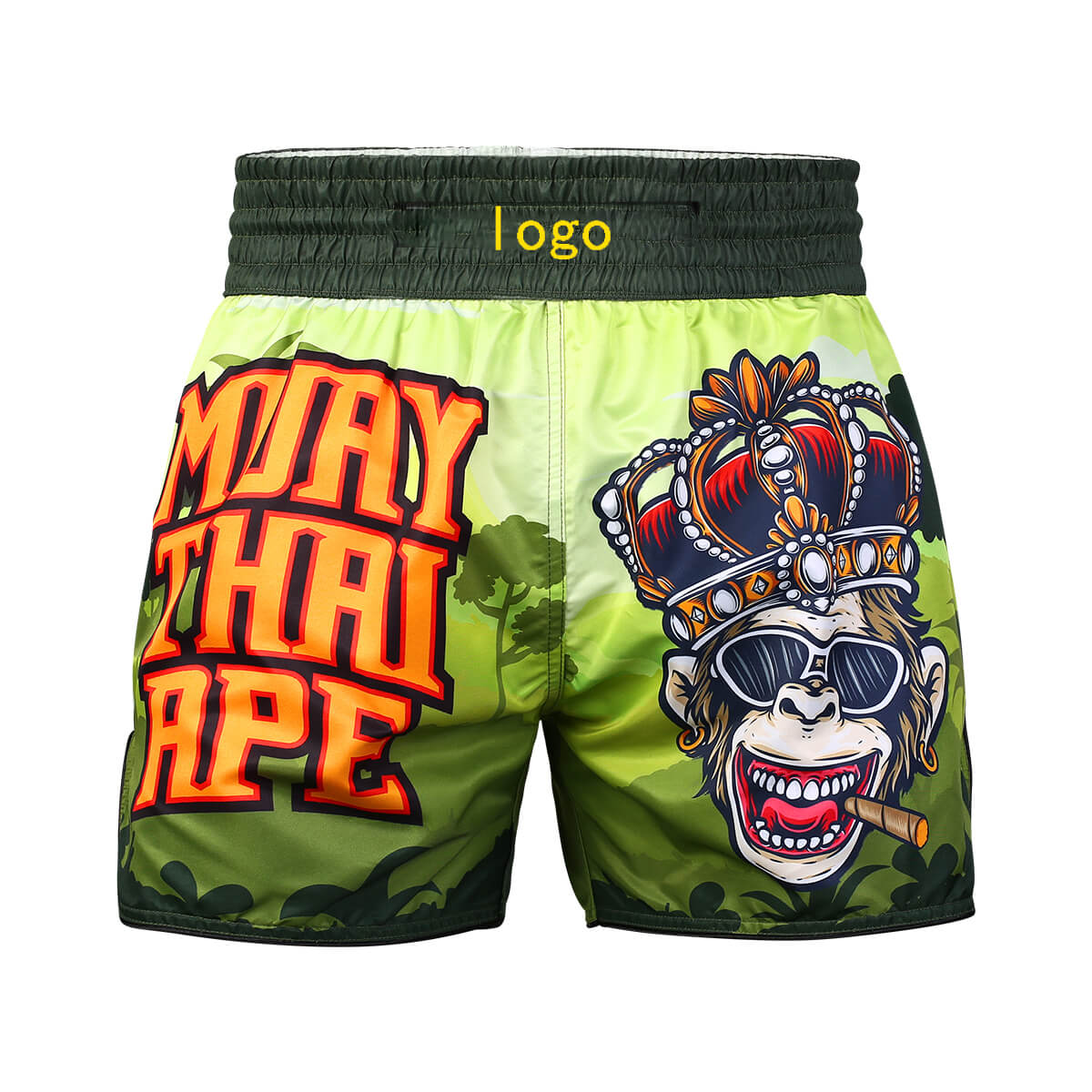
Where AI helps
- Exploring directions quickly. You can try many themes, such as a national flag, an animal, a tattoo-style motif or a minimal colour block, before you decide what to brief.
- Testing colour combinations. Seeing a palette on a short-shaped image helps you decide between ideas.
- Communicating your idea. A concept image plus a few lines of text is often clearer than a description alone. Send it as a reference with your brief.
- Drafting text ideas. AI chat tools can suggest nicknames, slogans or layout options. Check spelling and meaning yourself, especially for words in other languages.
Where AI falls short
- It does not know the shorts pattern. AI images ignore real seams, waistband height, side splits and how the fabric gathers. Graphics often end up across seams or hidden in folds.
- The output is usually low-resolution raster art. It cannot be enlarged cleanly for printing and cannot be used for embroidery without being redrawn.
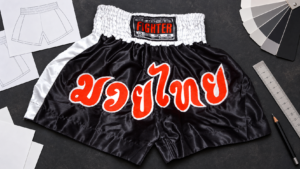
- Text is often wrong. Image generators frequently misspell words or invent letters, and are especially unreliable with non-Latin scripts such as Thai.
- Colours and finishes are not real. Shiny satin, metallic appliqué and sublimated prints all look different from a rendered image.
- Rights are unclear. AI tools can produce images resembling existing logos, characters or brand designs. Do not ask for, or use, another brand’s logo, a team crest or a copyrighted character without permission.
From AI concept to production-ready design
- Pick one concept and write down what you like about it, such as the colours, the motif or the layout.
- Separate the elements: main graphic, waistband text, leg logos and back details.
- Supply real artwork for any logos you own, as vector files where possible. Our artwork checklist explains what to send.
- Choose a decoration method for each element. Full-colour AI-style graphics usually point to sublimation, while names and logos on dark satin usually point to embroidery or appliqué. See sublimation vs embroidery.
- Ask the designer to redraw the concept on the actual shorts template and send a proof.
- Approve the proof, not the AI image. Check spelling, placement, colours and the method for every element.
Tips for writing a better AI prompt for fight shorts
- Name the style: “Muay Thai shorts”, “boxing trunks” or “MMA shorts”.
- Describe the view: “flat-lay front view on a white background” makes the concept easier to read.
- Give two or three main colours instead of a long list.
- Describe a motif in your own words rather than naming a brand or artist.
- Leave text out of the image and add the exact wording in your brief instead.
Using AI concepts with PAILK
PAILK’s designers can help you develop a design from your references or create one from scratch. Send your AI concepts as references together with your logo files, style, colours, quantity, size breakdown, delivery country and required date. The custom boxing shorts guide explains the options, or you can contact PAILK for a design review and quote.